Set-Up Guest Users in Microsoft Planner
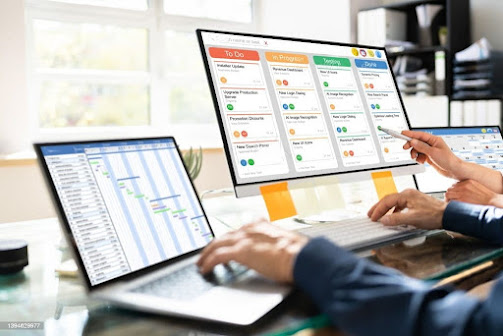
Manage External Users in Microsoft Planner In Microsoft Planner, you can set up guest access to allow external users (such as partners, vendors, or clients) to view and collaborate on plans. Here are the steps to set up guest access: Go to the Microsoft 365 admin centre and select "Users" from the navigation menu. Select "Guest" from the left-hand menu and then click on "New guest user." Fill in the guest user's information, including their email address and name. Assign the guest user to a group that has access to the plans you want them to collaborate on. You can also assign them to a specific plan by clicking on "Add to a specific plan" Click on "Invite" to send an invitation to the guest user. Once the guest user accepts the invitation, they will be able to access and collaborate on the plans that they have been assigned to. I...